

Something extraordinary is unfolding
Text Messaging and Your INFINITI
Everything You Need to Know About Text Messaging and Your INFINITI
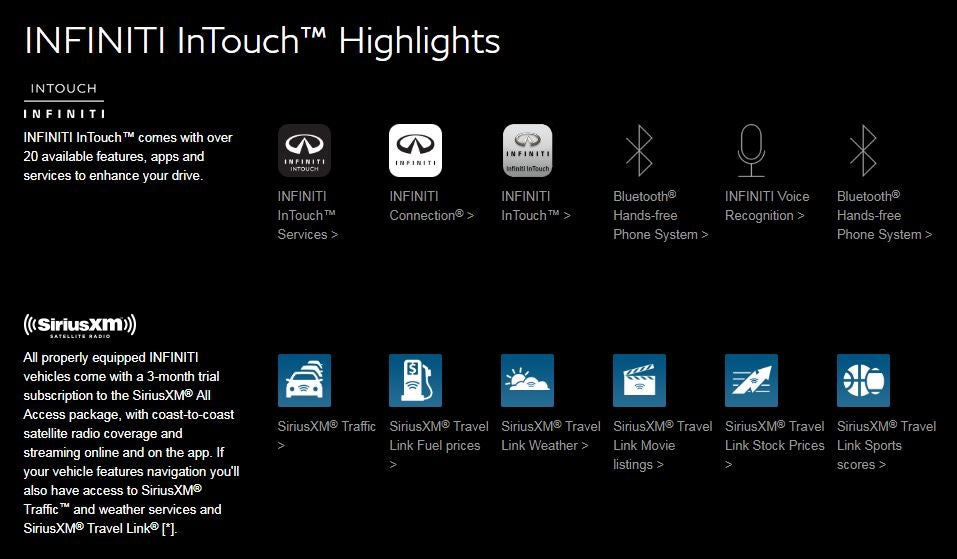
INFINITI's InTouch makes your driving experience better by adding the state-of-the-art system that combines convenience, navigation, entertainment and security into an easy-to-use screen. Whether you need to find your way in a new place, respond to a text or stream your favorite music, the InTouch system makes it safe and easy. The system uses two touchscreens, an upper and lower. The upper touchscreen displays the navigation, information and the view monitor system, while the lower display has touchscreen controls for different features, including the InTouch apps.
Connecting Your Phone
To connect to the InTouch system, pair a Bluetooth-enabled phone to the system. To pair the phone with the vehicle, push and touch the 'Settings' button. Touch 'Bluetooth,' and then touch 'Pair Device.' Touch 'Add New' to register your phone. A PIN code will appear on the screen. Enter that on the phone to pair it to the INFINITI InTouch system. Once the phone is successfully paired, the Bluetooth setup menu will come up on the screen. Follow the commands to set up the system with your particular device.
According to INFINITI, some devices could cause buzzing or other interference from the speakers. You may have to store your device in a different location in the vehicle to eliminate or reduce the noise.
The Hands-Free Text Messaging Assistant
Before you use the hands-free text messaging assistant, be sure you know the laws for the state you are driving in. Always check the regulations for your location when you are on a trip before using this feature. The text messaging feature should only be used after you have parked in a safe location. Your device must support the Message Access Profile in order for the hands-free text messaging assistant to work.
When you receive a message through the system, it notifies you with a tone. You can check the message by touching 'CheckNow.' If you want to check the message later, just touch 'Later.' To display the message, press the phone icon on the steering wheel and then touch 'Text Messages.' Touch the message you wish to review. The message will appear on the lower display.
Once you've read the message, touch 'Next' to read the next message, 'Previous' to read the previous message or 'Reply' to reply to the message. If you want to call the person who messaged you, touch 'Call.' The InTouch system will call the person as long as his or her phone number is registered in the Phonebook. If you touch the 'Play' or 'Stop' buttons, the system will read the message to you and stop reading the message.
Pressing the down arrow on the steering wheel controls while the message is being read by the system will advance to the next text message. Once the message is read, the box with the choices listed above will appear.
To send a text message, press the phone icon on the steering wheel, then touch 'Mail' then touch 'Compose Message.' You will be able to type in an email address or select someone from the Phonebook. Touch 'Send' when you are ready to send the message.
5801 Madison Ave, Tamarac, FL 33321
Sales 754-222-1515
Service 754-241-2856
Parts 754-241-2856
| Sales | ||
| Day | Open | Closed |
| Monday | 9:00AM | 8:00PM |
| Tuesday | 9:00AM | 8:00PM |
| Wednesday | 9:00AM | 8:00PM |
| Thursday | 9:00AM | 8:00PM |
| Friday | 9:00AM | 8:00PM |
| Saturday | 9:00AM | 8:00PM |
| Sunday | 10:00AM | 7:00PM |
| Lease Returns Hours: M-F 9-6 Service and Parts Closed on Sunday | ||
| Service | ||
| Day | Open | Closed |
| Monday | 7:30AM | 6:00PM |
| Tuesday | 7:30AM | 6:00PM |
| Wednesday | 7:30AM | 6:00PM |
| Thursday | 7:30AM | 6:00PM |
| Friday | 7:30AM | 6:00PM |
| Saturday | 8:00AM | 5:00PM |
| Sunday | Closed | Closed |
| Parts | ||
| Day | Open | Closed |
| Monday | 7:30AM | 6:00PM |
| Tuesday | 7:30AM | 6:00PM |
| Wednesday | 7:30AM | 6:00PM |
| Thursday | 7:30AM | 6:00PM |
| Friday | 7:30AM | 6:00PM |
| Saturday | 8:00AM | 5:00PM |
| Sunday | Closed | Closed |